
 CoLab
A way into the conversation.
A Canvas-inspired workspace for international design students at the University of Sydney to find teammates, participate in tutorials and catch up on lectures.

University of Sydney · Design brief
Speaking up in a second language.
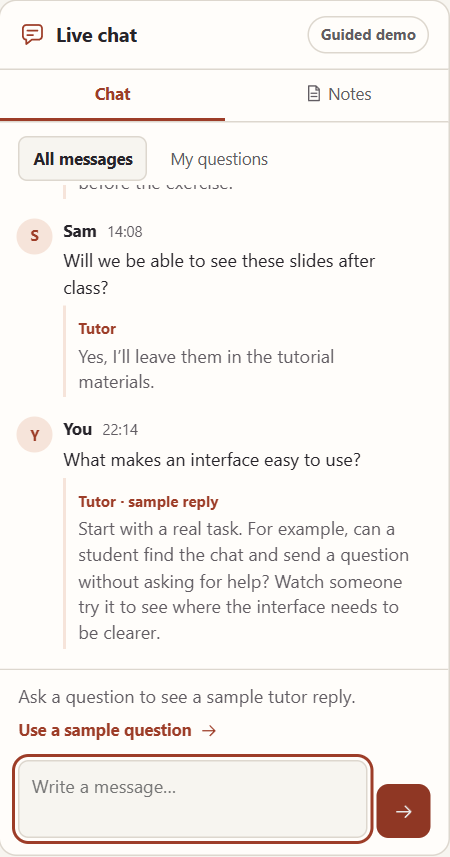
Some students spoke freely with classmates in their first language but hesitated to ask the tutor a question in English. During a class activity that accepted typed answers, I saw more students join in.
That observation led to two features I proposed and prototyped: written participation during live tutorials and a lecture replay with an attendance check based on understanding.
Live tutorial
Ask while class continues.
The tutor’s shared screen stays in view. Students can type a question alongside it and read the reply while the session continues. Captions can be switched to a language they’re more comfortable with.
Try a written question
Capture and translate
Keep the meaning with the term.
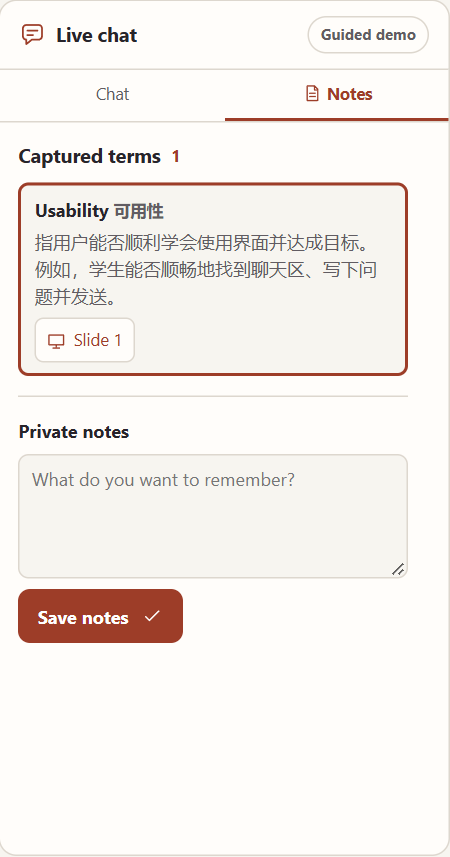
Select an unfamiliar term on the shared slide. CoLab saves the term, its translation and an explanation in private Notes, with a link back to where it appeared.
Try capture and translation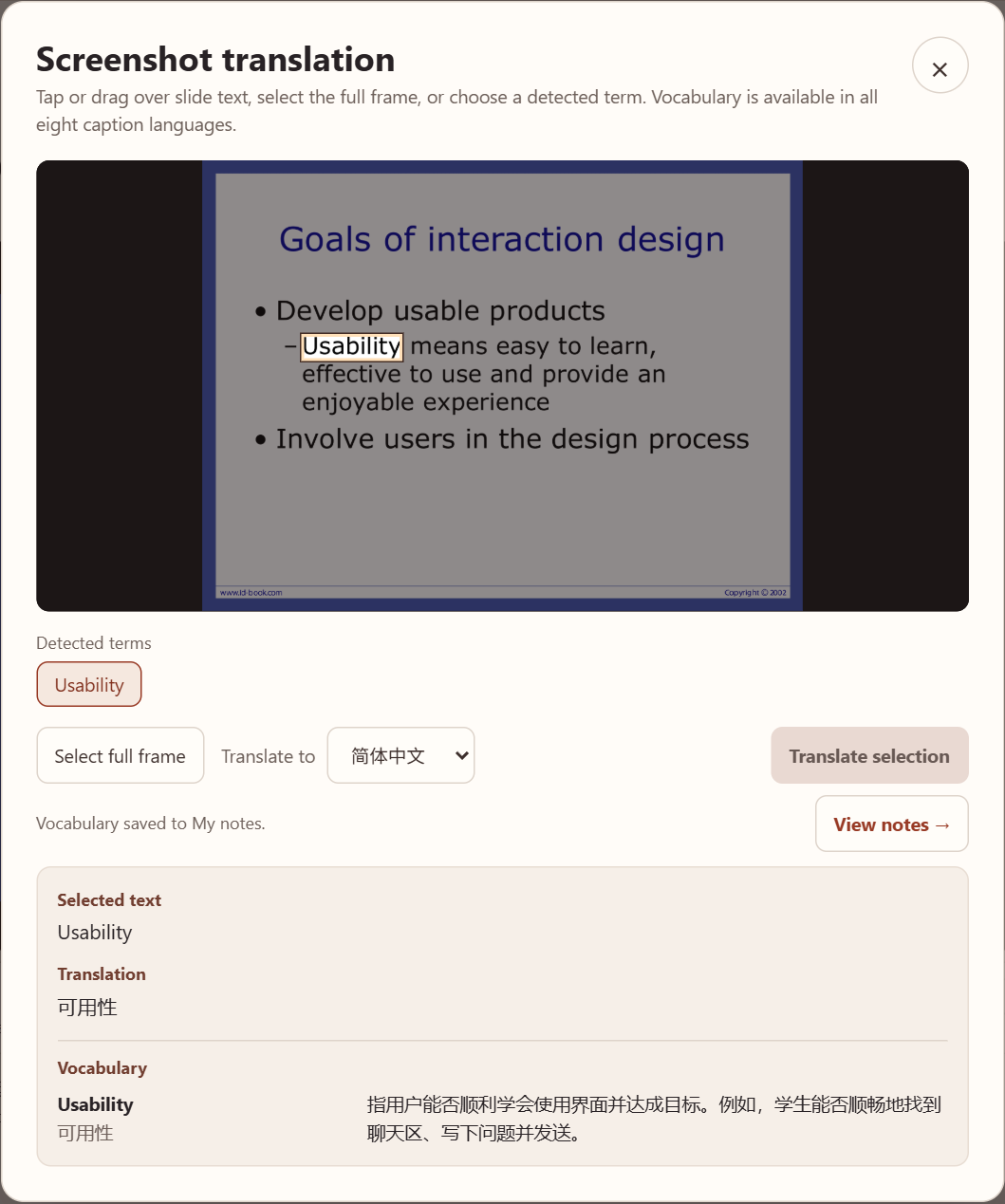
TeamUp · Group assignment
Choose teammates by the work they do.
TeamUp was a separate concept from the group project. For a studio assignment, students can see how classmates work, what they can take on and when they are available before asking to team up.
Try TeamUp here Open TeamUp workspace-
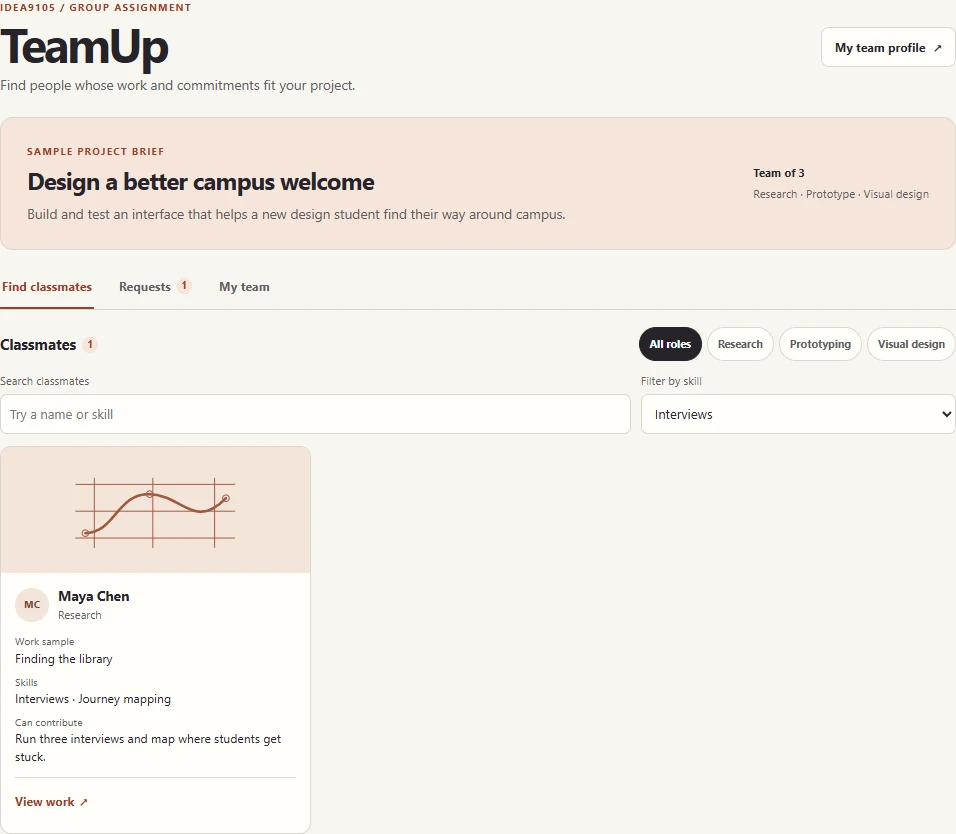
Find a skill Start with the brief and filter by Interviews to find someone for the first round of research. -
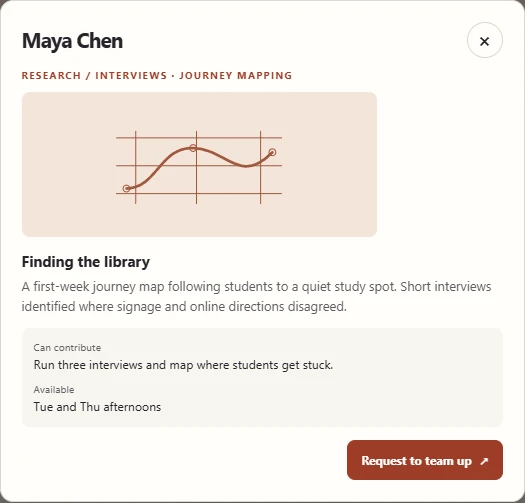
Review the work Open Maya’s library journey map to see what she did and when she can work. -
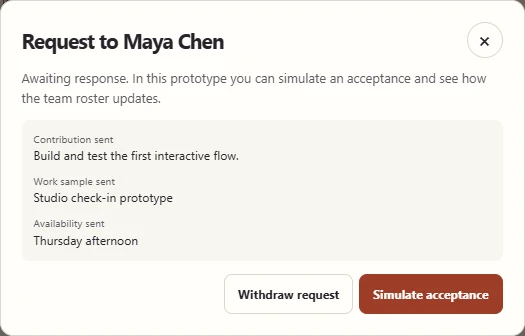
Send a request Share what you can contribute and track the request under Sent. -
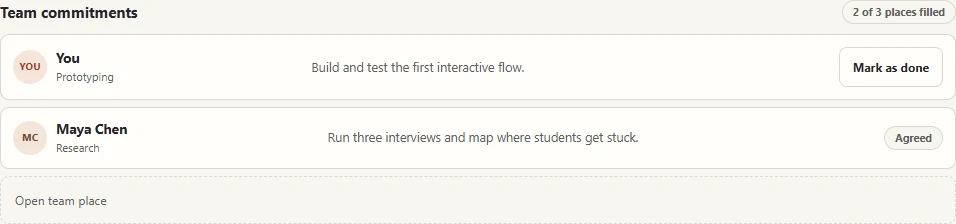
Confirm the team In the demo, simulate acceptance to see the new teammate and her commitment on the roster.
Lecture catch-up
Catch up and check what you understood.
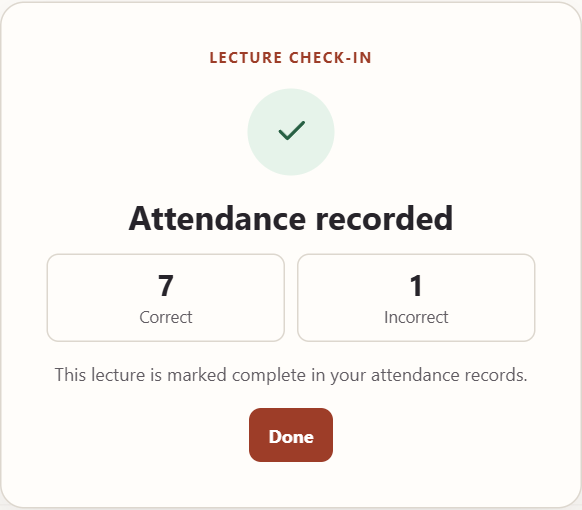
Replay a missed lecture, jump to a chapter or change the caption language. The demo records attendance after at least five of eight check-in answers are correct.
Try the lecture check-in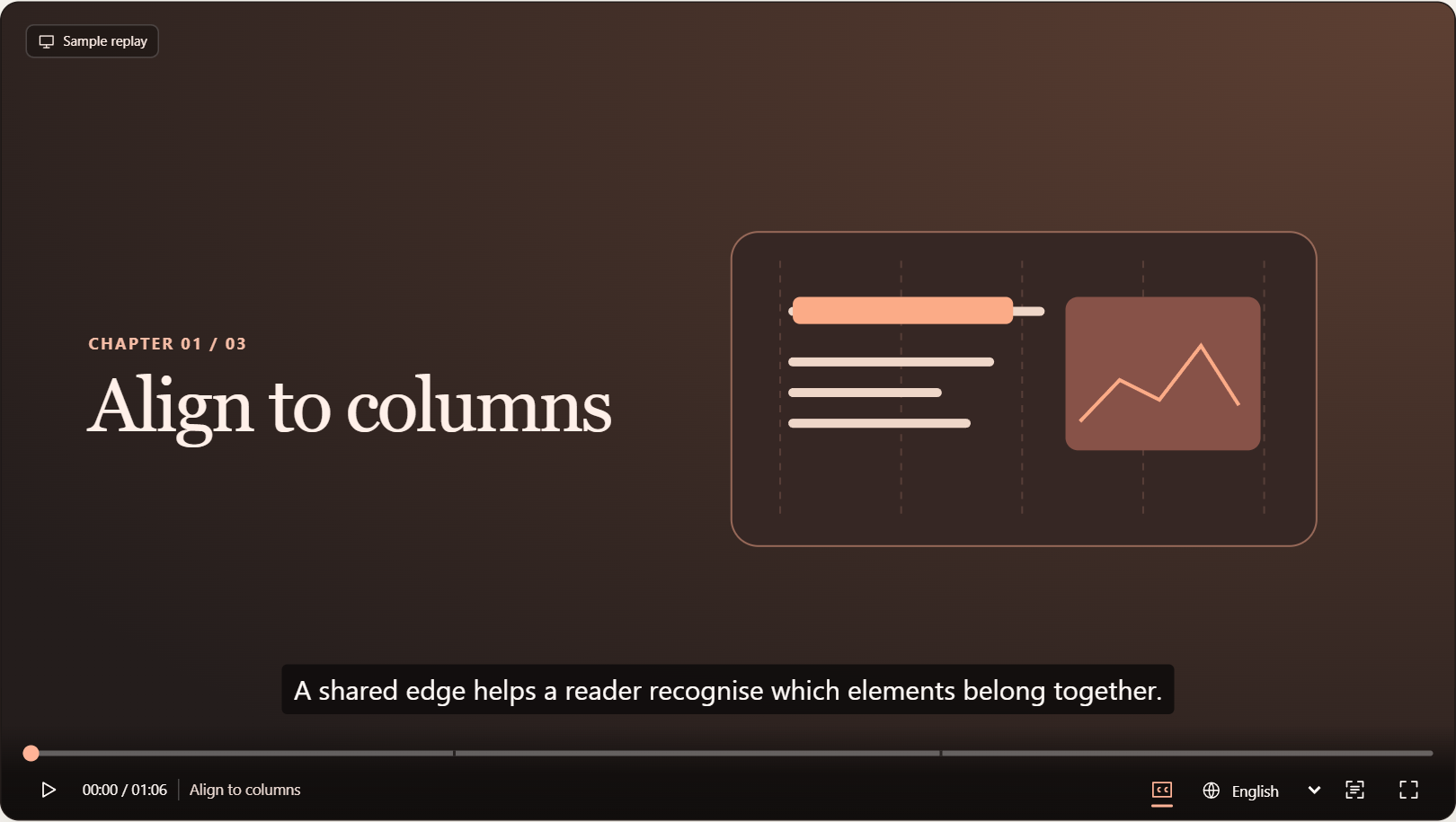
Interactive prototype
Try CoLab.
In Chat, choose “Use a sample question”, then send it to see the tutor’s reply.
The demo uses sample course materials, tutor replies and classmates. Notes, check-ins, assignment progress and TeamUp requests are saved in this browser.
Screen archive
Ten selected states from TeamUp, live tutorials and lecture replay. Open a group to look closer.
TeamUp4 screens
Find classmates Work sample Request awaiting response Team commitments
Live tutorial and Notes4 screens
Live tutorial workspace Written question Capture and translate Private Notes
Lecture replay and attendance2 screens
Lecture replay Attendance confirmation