University of Sydney · Campus wayfinding
NAVI Tap
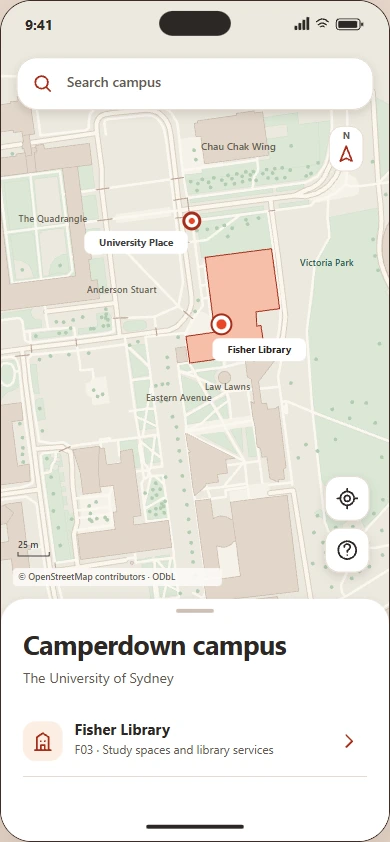
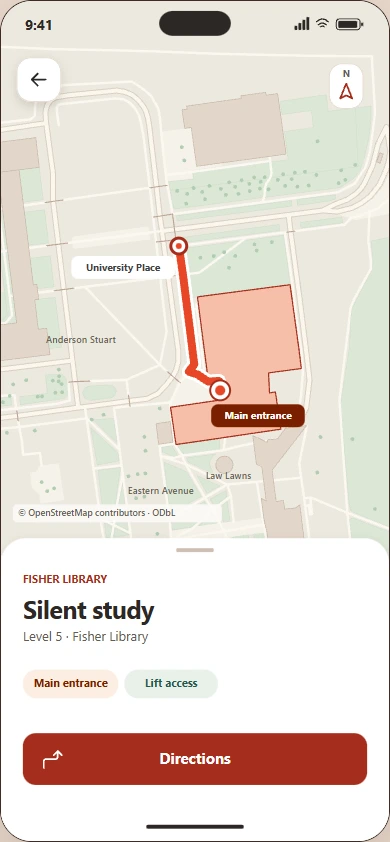
Follow the signs from University Place to Fisher Library, then confirm the entrance and continue to Silent study in the app.
The brief
From the square
to the study room
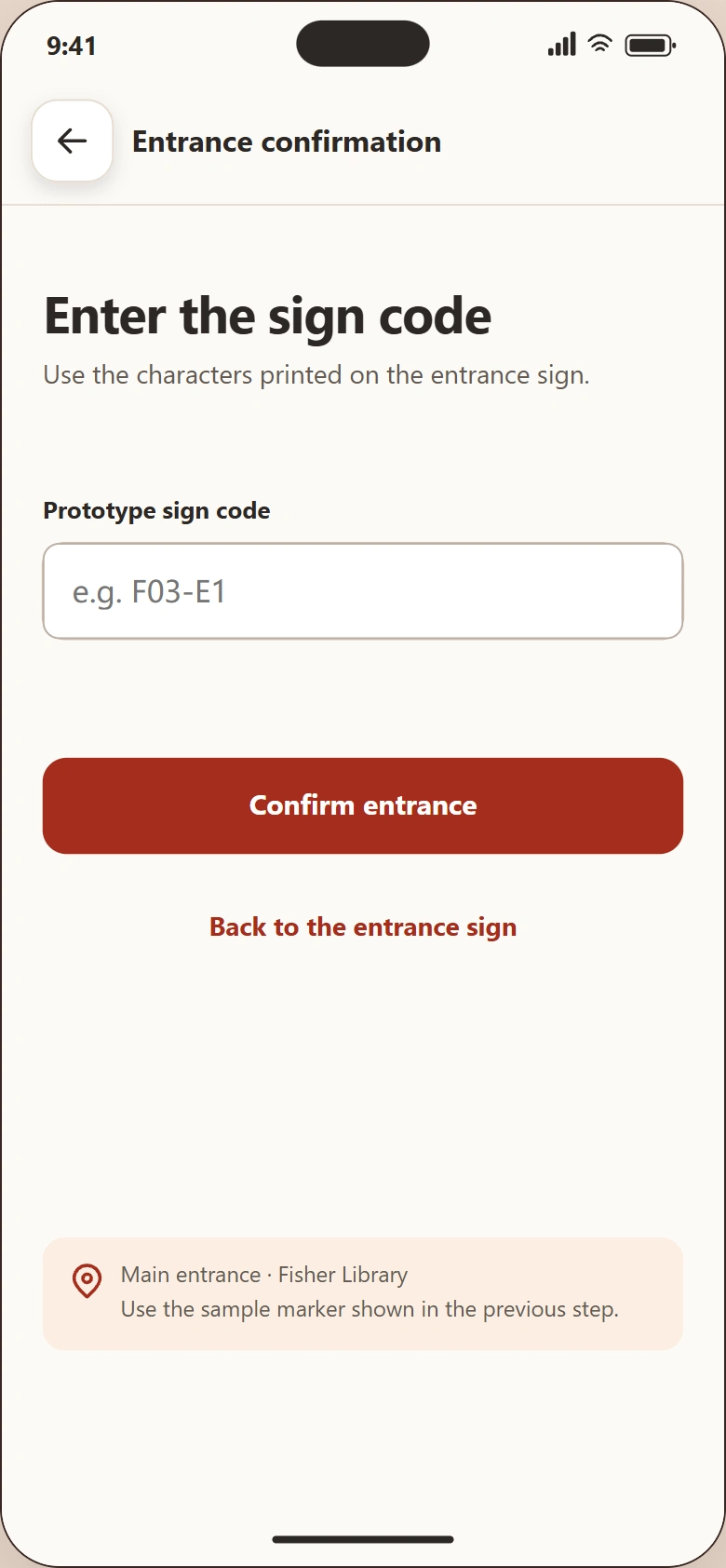
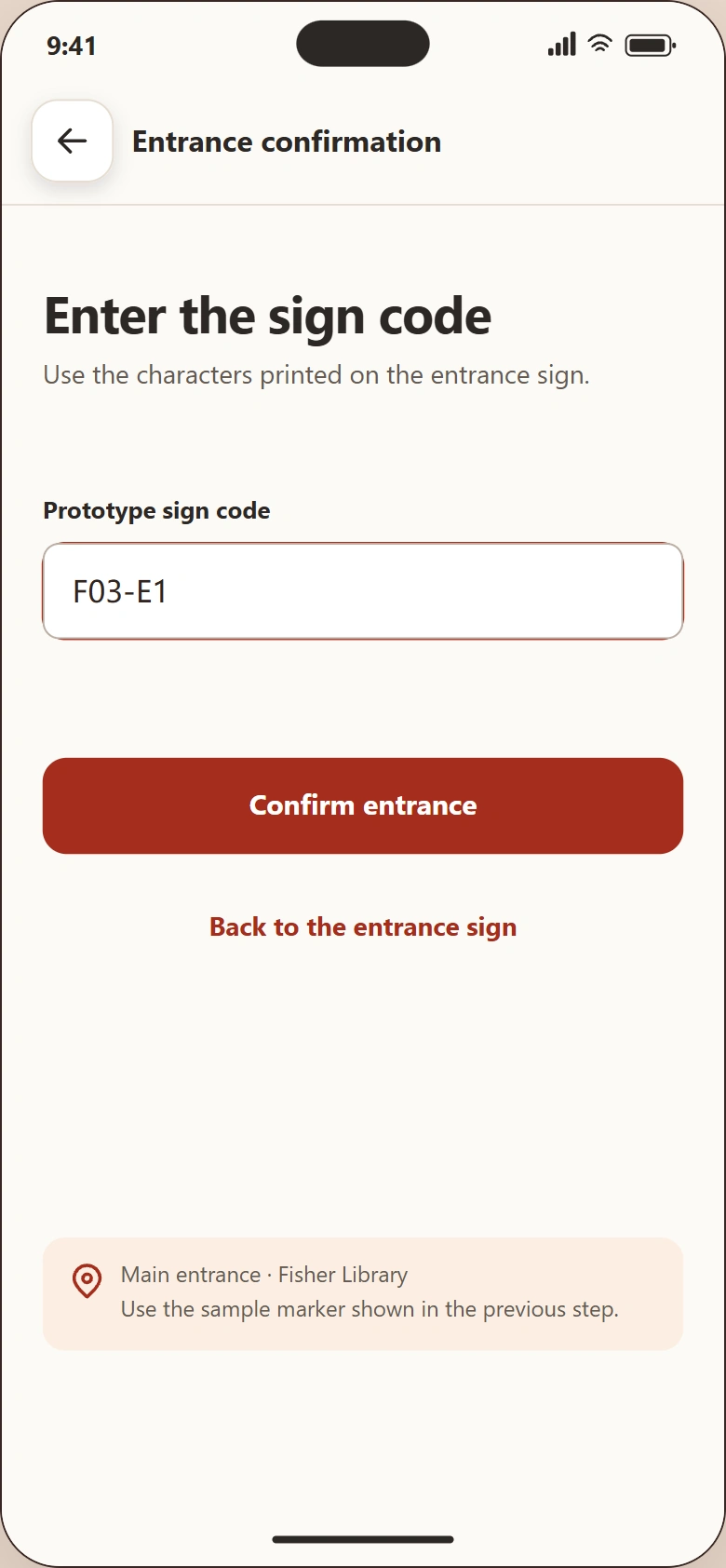
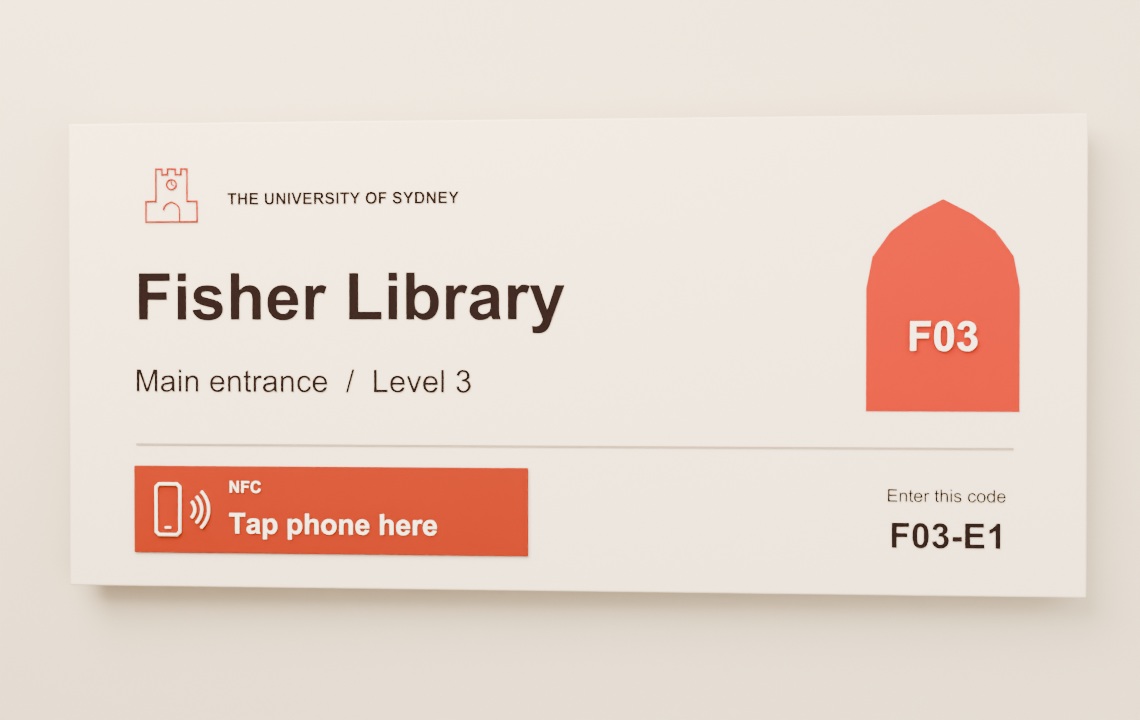
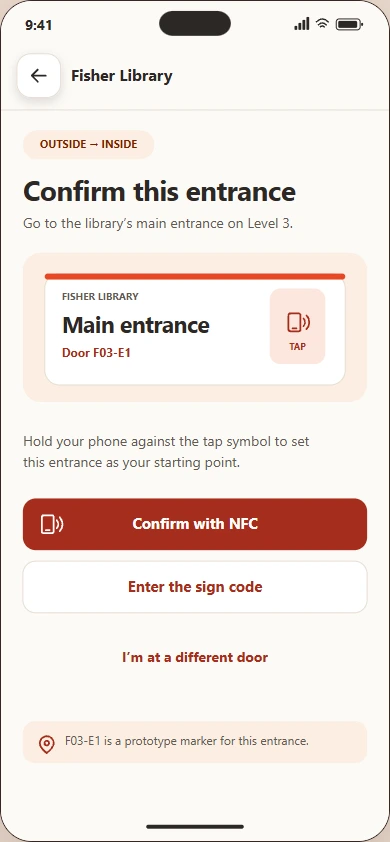
Finding the library gets a visitor to the building. To start indoor directions, they confirm the door by tapping the NFC marker or entering the code printed on the plaque, F03-E1. The app uses that door as the starting point for the route to Silent study.
Interactive prototype
Find your way in
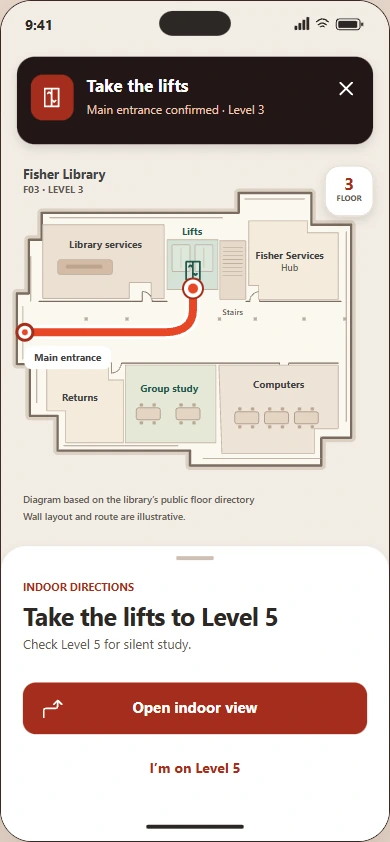
Use the phone to navigate from University Place to Fisher Library. Confirm the entrance, take the lift to Level 5 and follow the signs to Silent study.
Restart the routeNAVI Tap · Mobile UI
From sign to screen
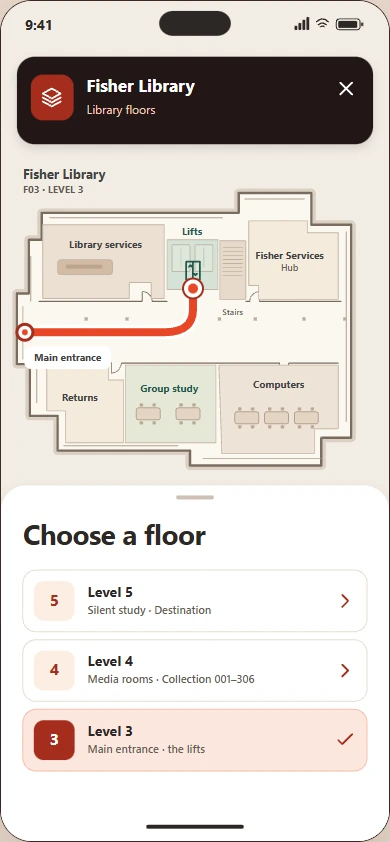
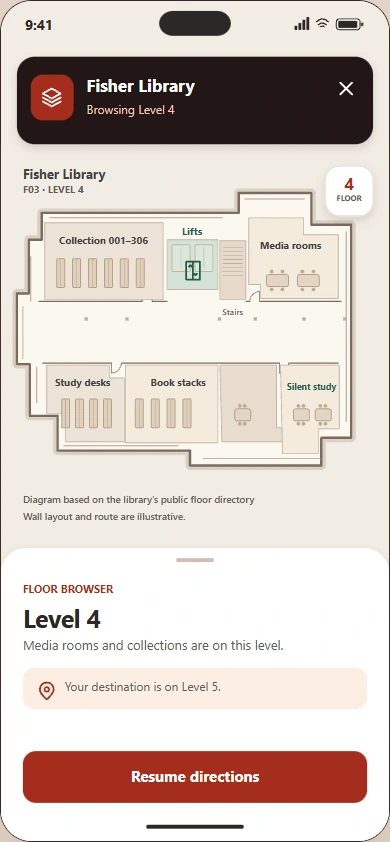
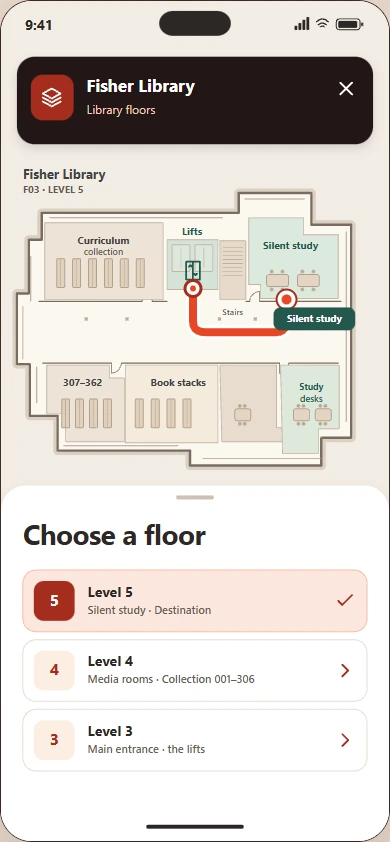
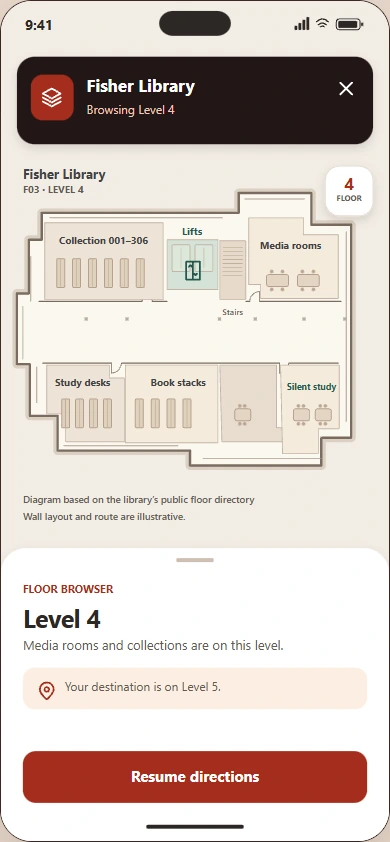
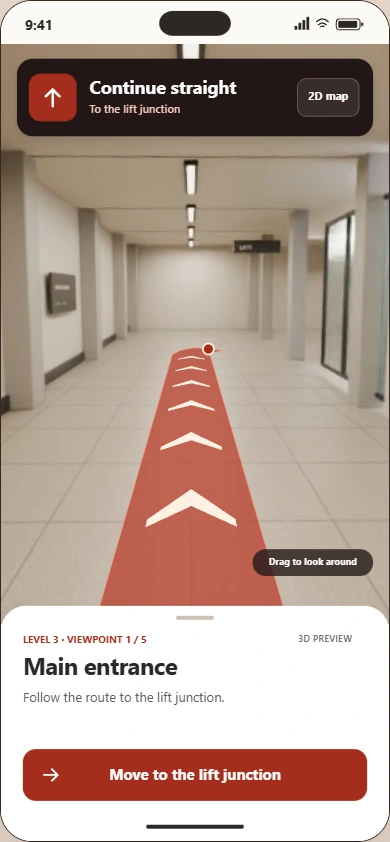
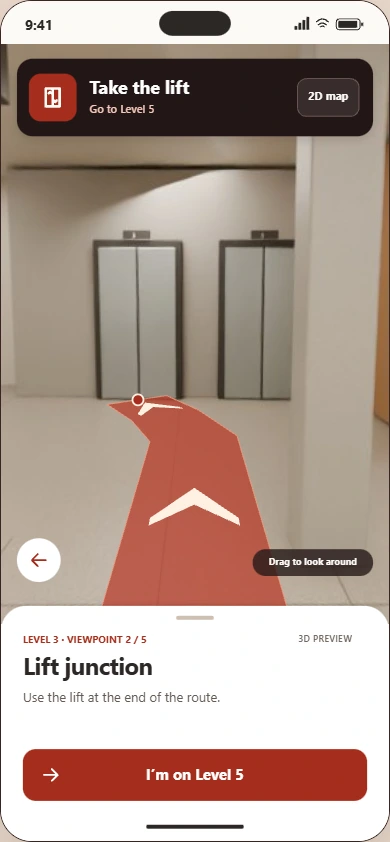
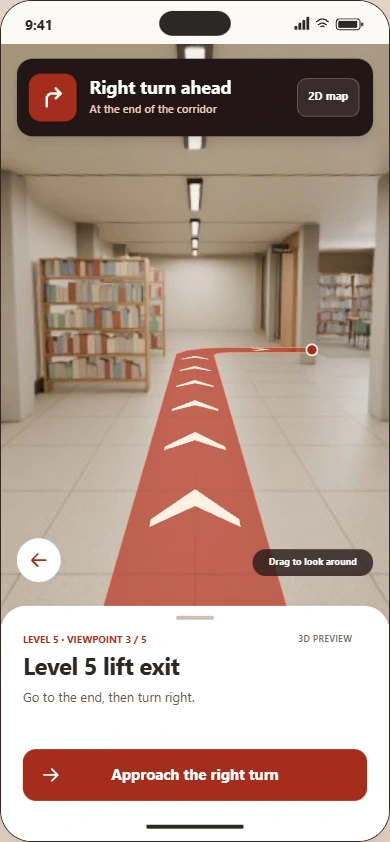
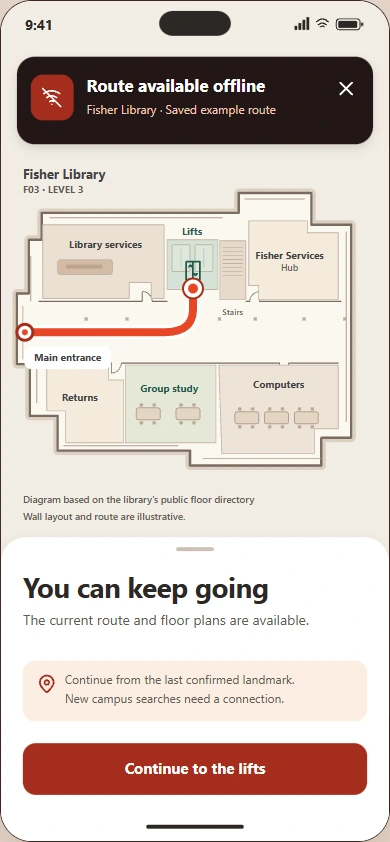
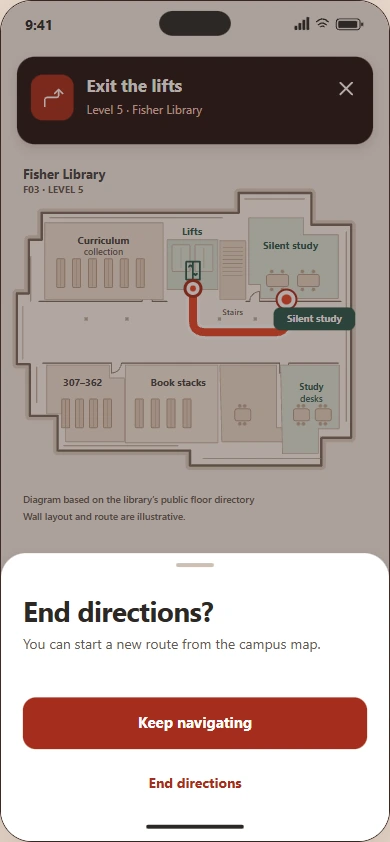
The campus map covers the approach to the library. Inside, visitors can switch between a floor plan and an eye-level view for the final turn into Silent study.
-
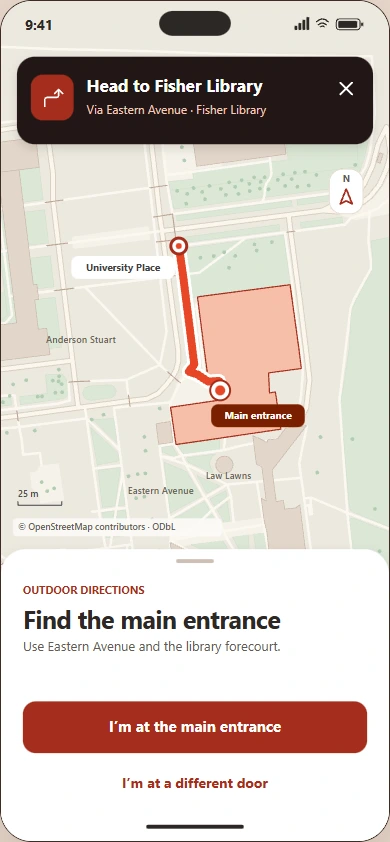
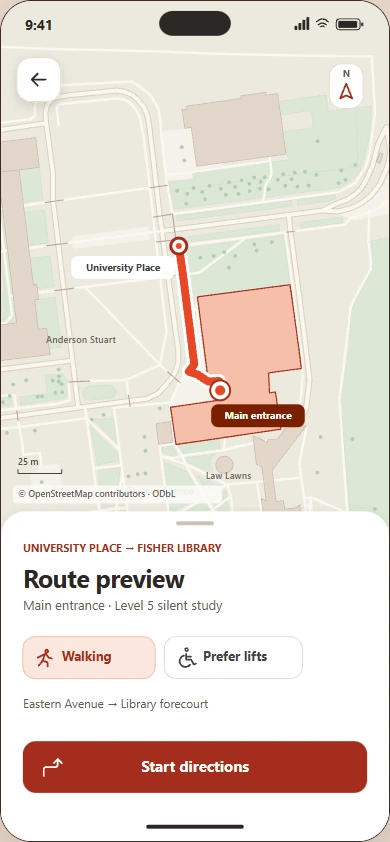
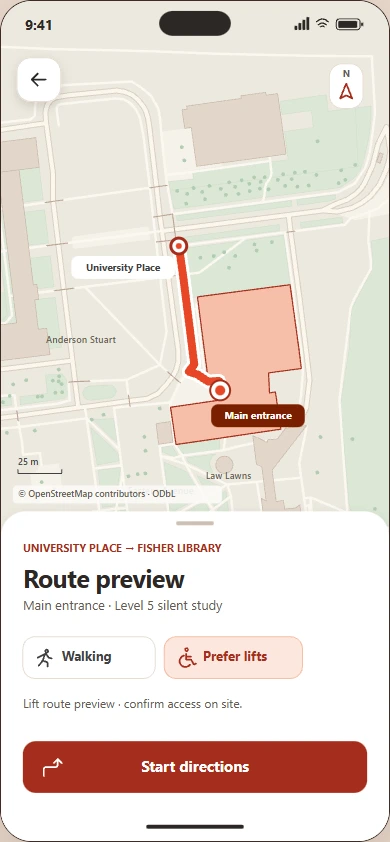
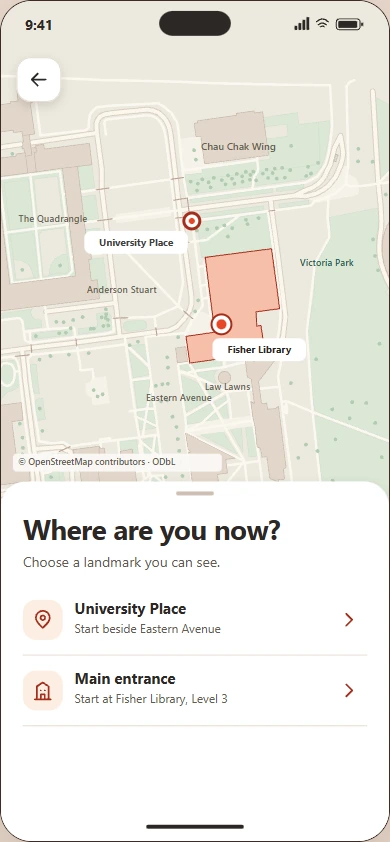
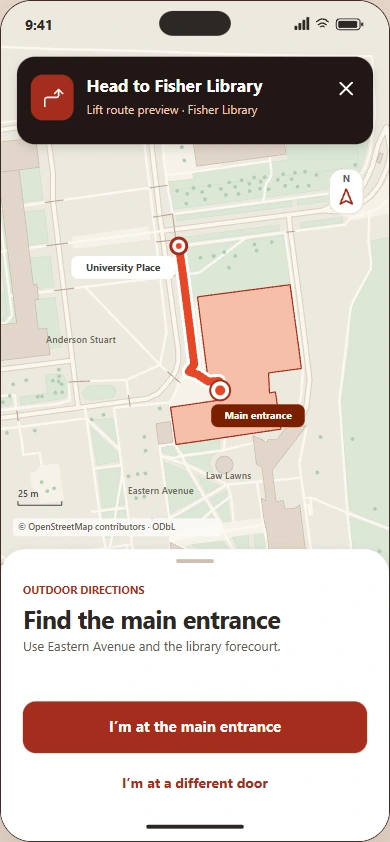
Campus directions
Follow the route shown on the campus totem.
-
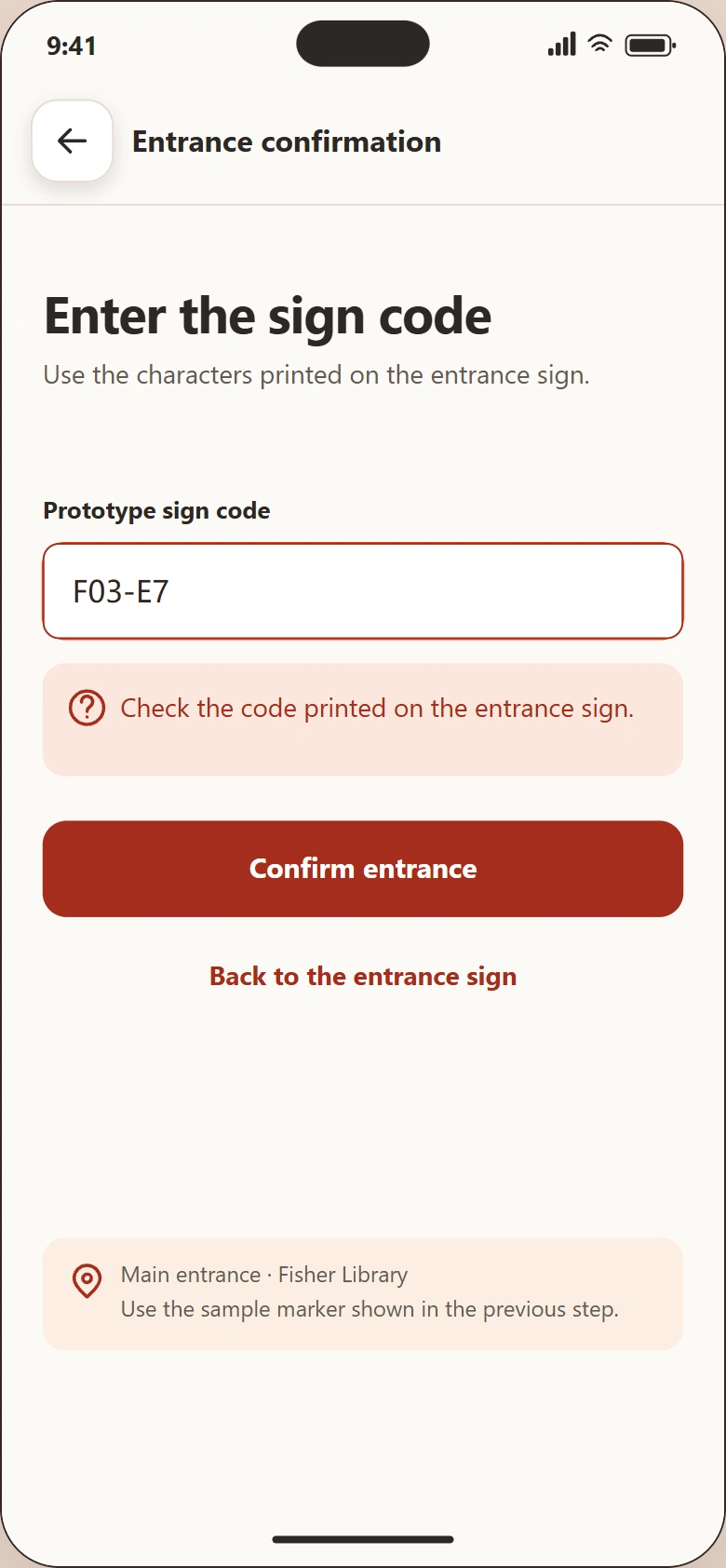
Confirm the entrance
Match F03-E1 on the plaque, then simulate a tap or enter the code.
-
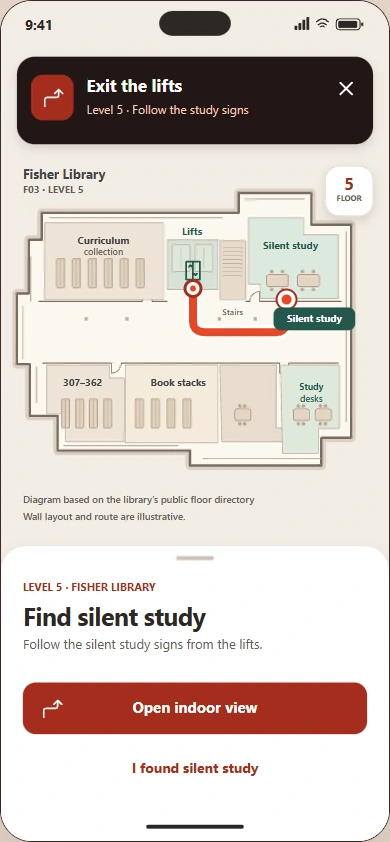
Level 5 floor plan
Match the floor marker and locate the study room from the lifts.
-
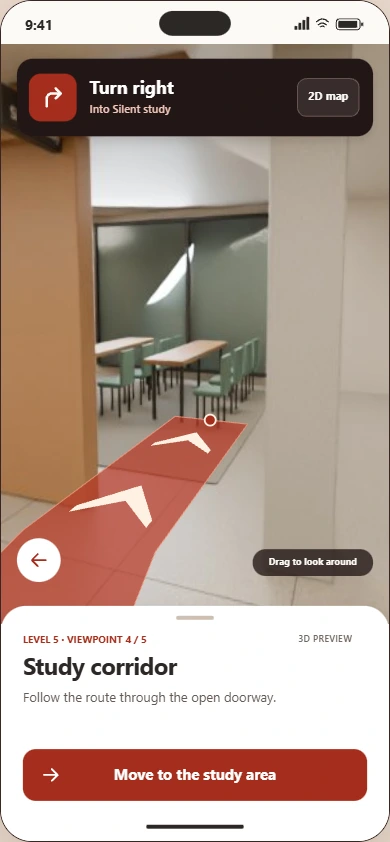
Indoor right turn
Switch to eye-level guidance at the corridor junction.
-
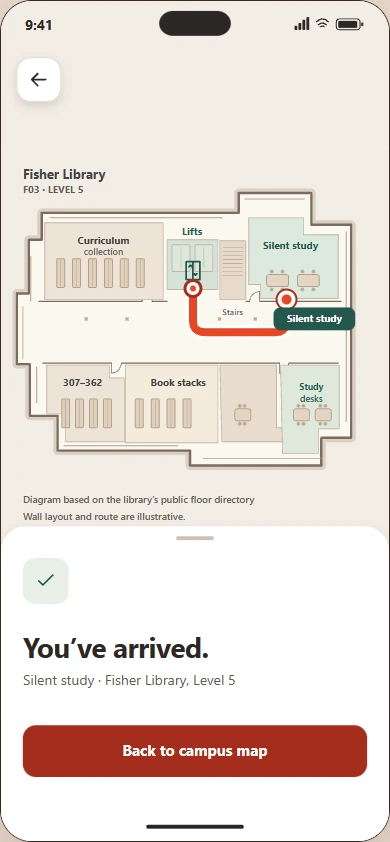
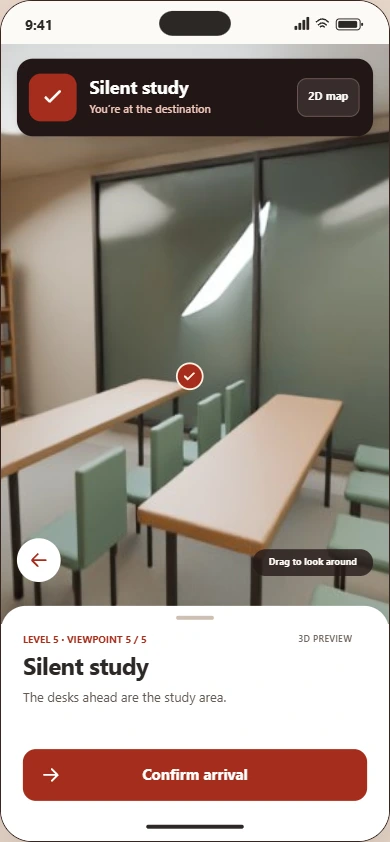
Arrival
Check the room name against the sign beside the door.
Outdoor map data from OpenStreetMap contributors. Floor plans are illustrative, indoor scenes are reconstructions and NFC is simulated.
Signs along the route
Follow one visit to Fisher Library. Each sign answers the question a visitor has at that point in the journey. See the proposed placements.
-
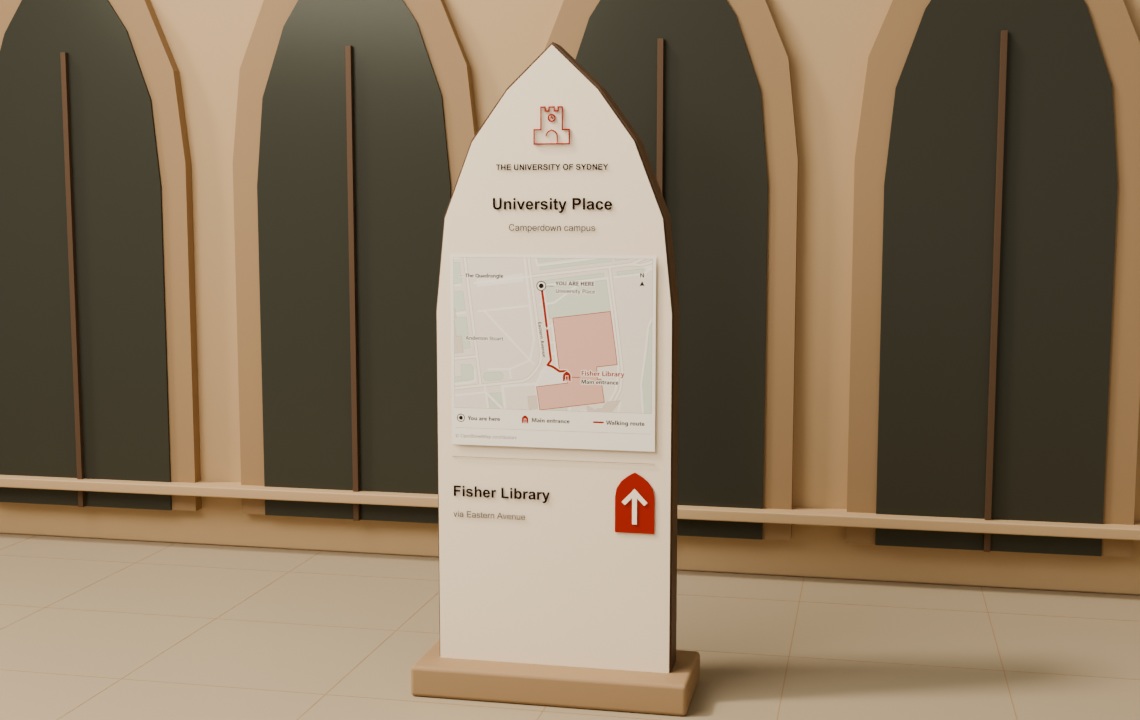
University Place
Campus totem
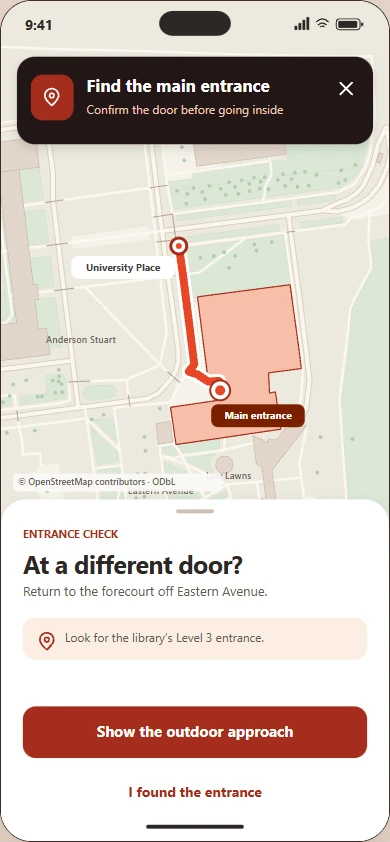
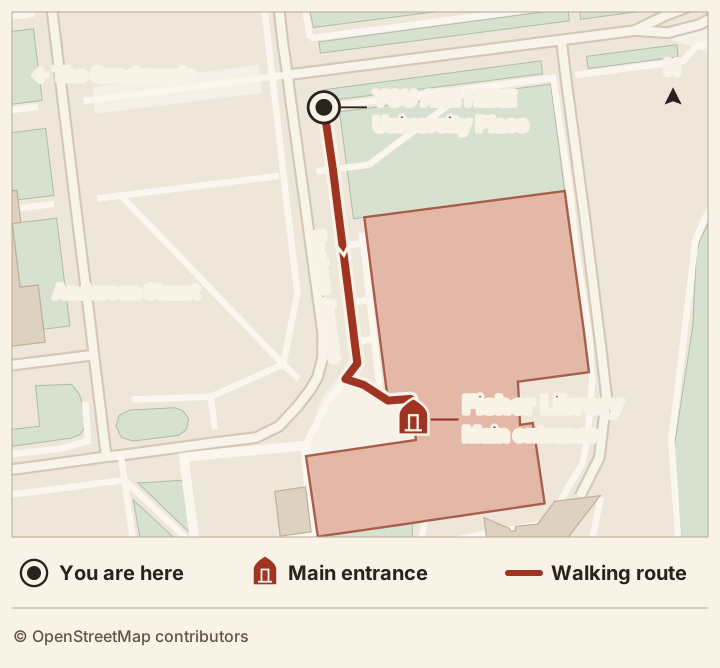
Show visitors where they are and how to walk to the library via Eastern Avenue. Read the map.
-
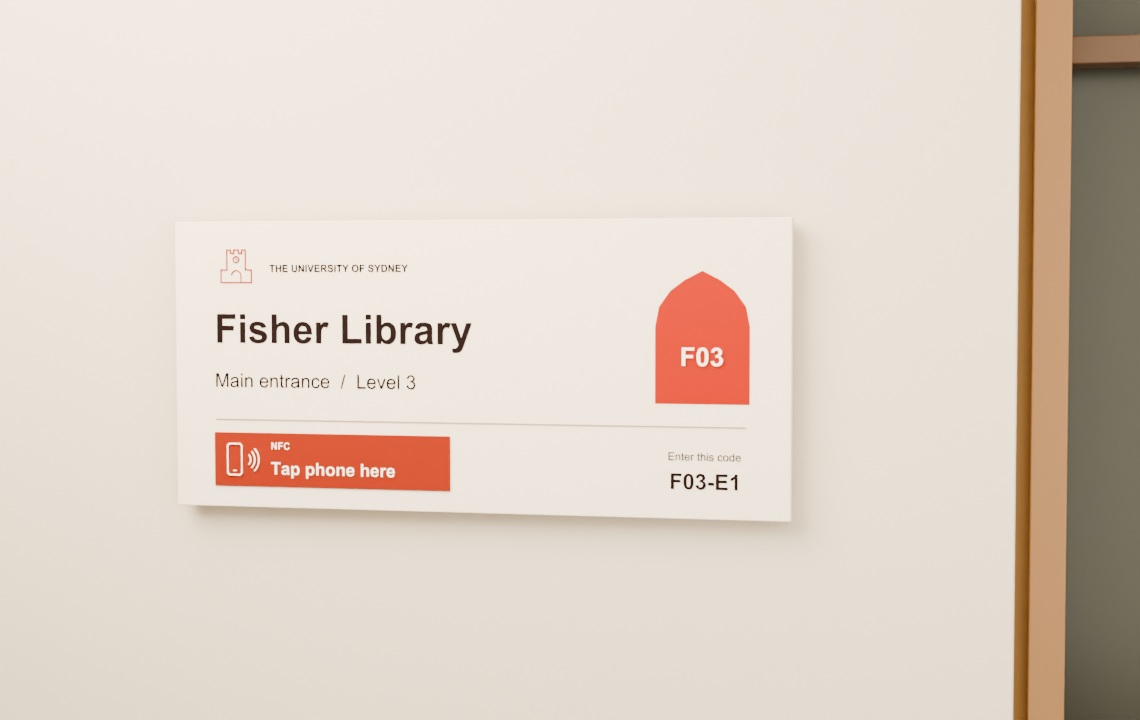
Fisher Library · F03
Entrance sign with NFC
Confirm the Level 3 entrance at the ochre tap panel, or enter the printed door code. See the NFC detail.
-
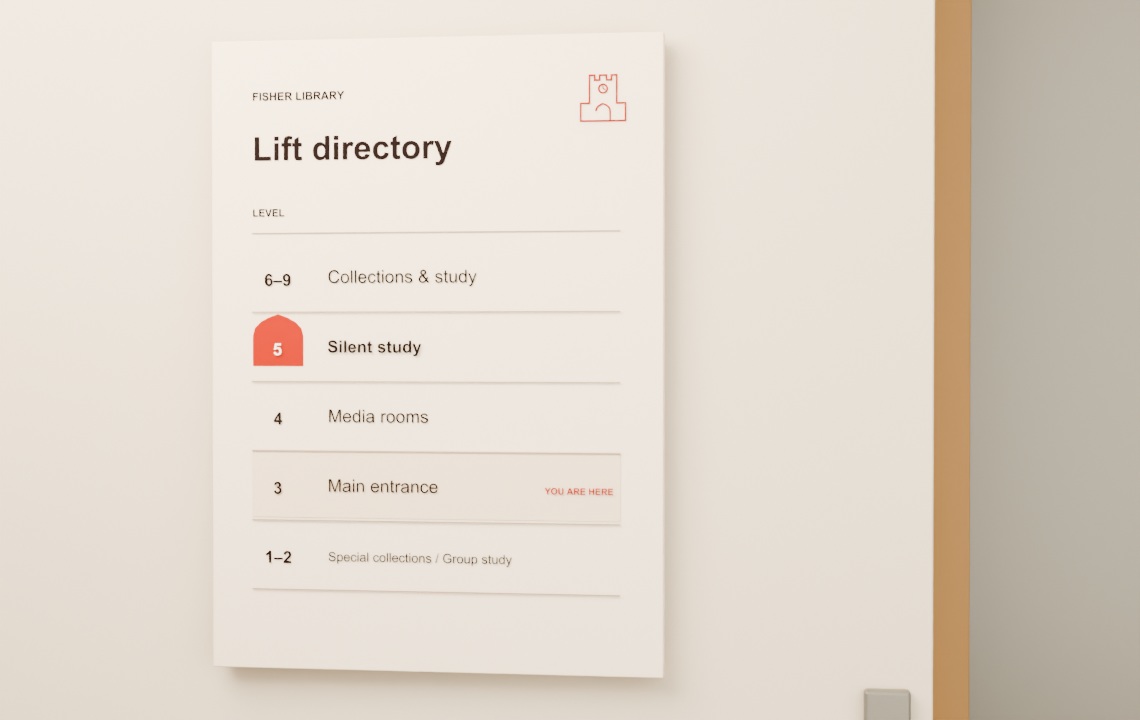
Level 3 · Lift lobby
Lift directory
Show where you are and which floor to select for silent study.
-
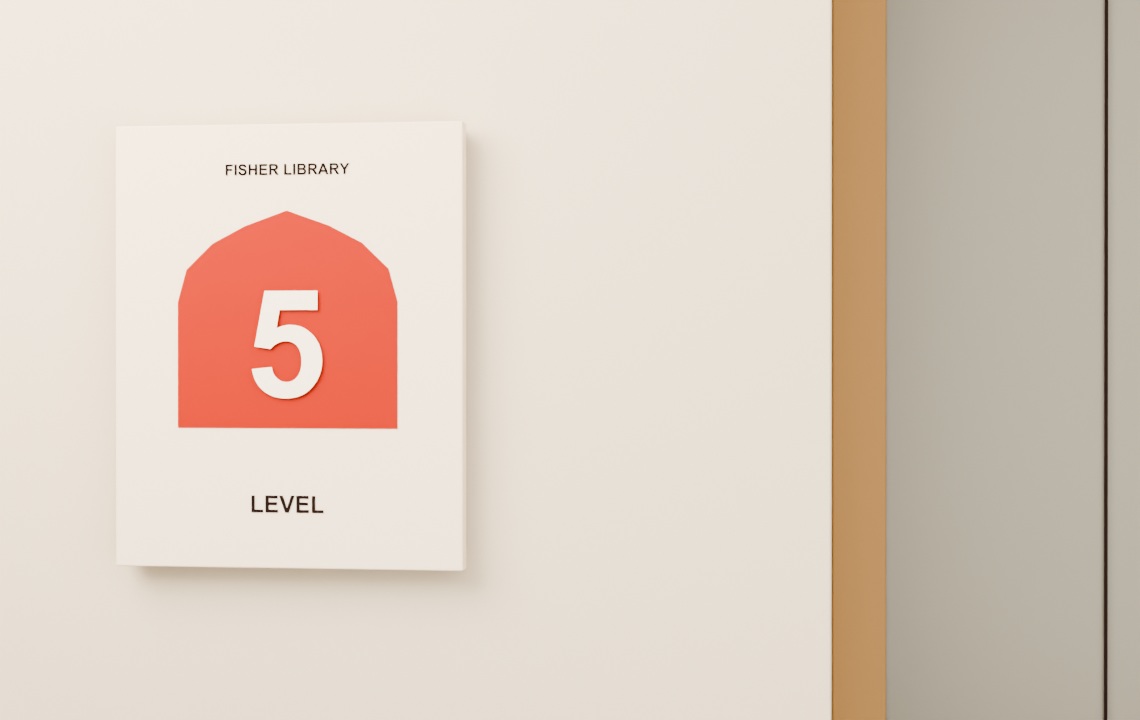
Level 5 · Lift exit
Floor marker
Make the floor number easy to spot as the lift doors open.
-
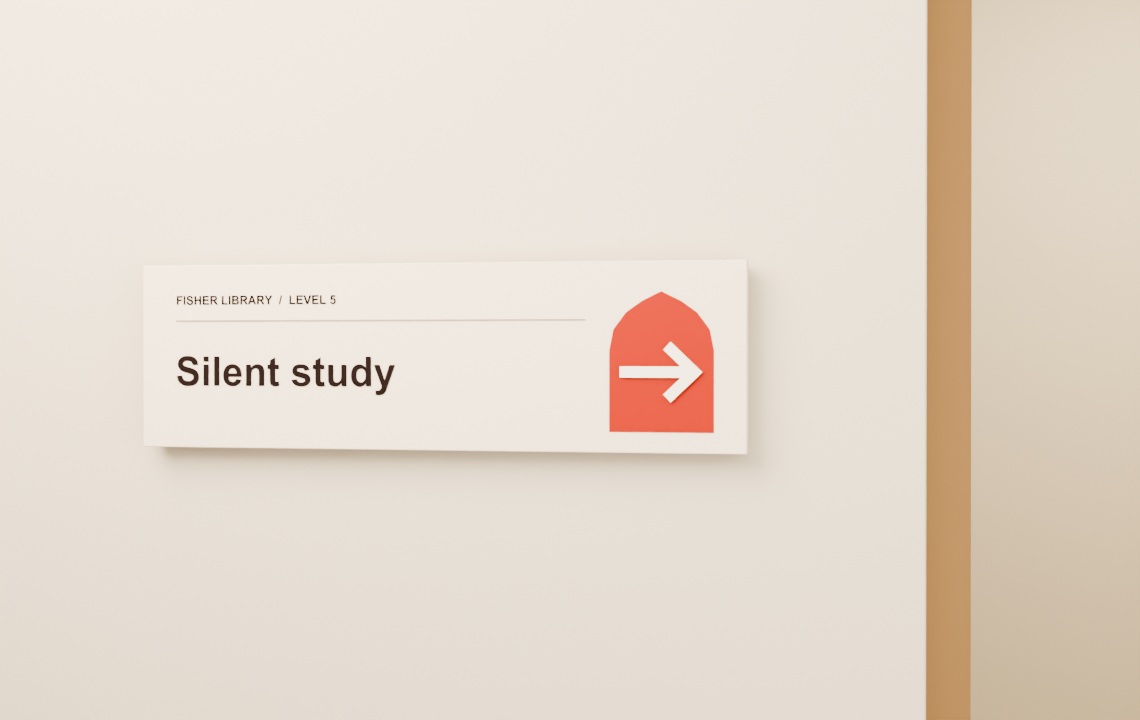
Level 5 · Junction
Directional sign
Place the right-turn cue where the corridor branches.
-
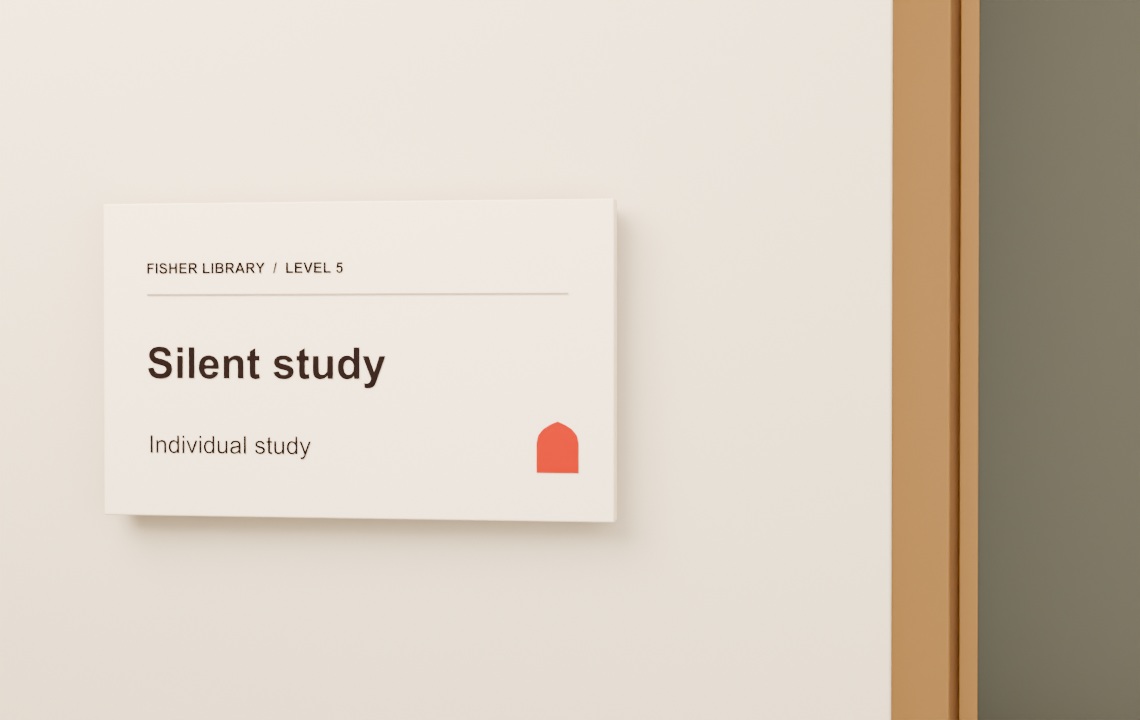
Level 5 · Destination
Room sign
Confirm arrival with the same name the visitor followed on the map and signs.
Fisher Library · Level 3 entrance
NFC at the entrance
Hold your phone against the ochre NFC panel to confirm the door and start indoor directions. You can also enter the printed door code F03-E1 in the app.
Try the entrance checkUniversity Place · Campus totem
Read the map at the start
The double circle marks the sign’s position. An ochre line follows Eastern Avenue to the matching main entrance symbol at Fisher Library. The same symbols appear in the key below the map.
Where the signs go
One campus route, with a sign at each decision point. The campus photographs show the setting. The library sequence shows the proposed placements.

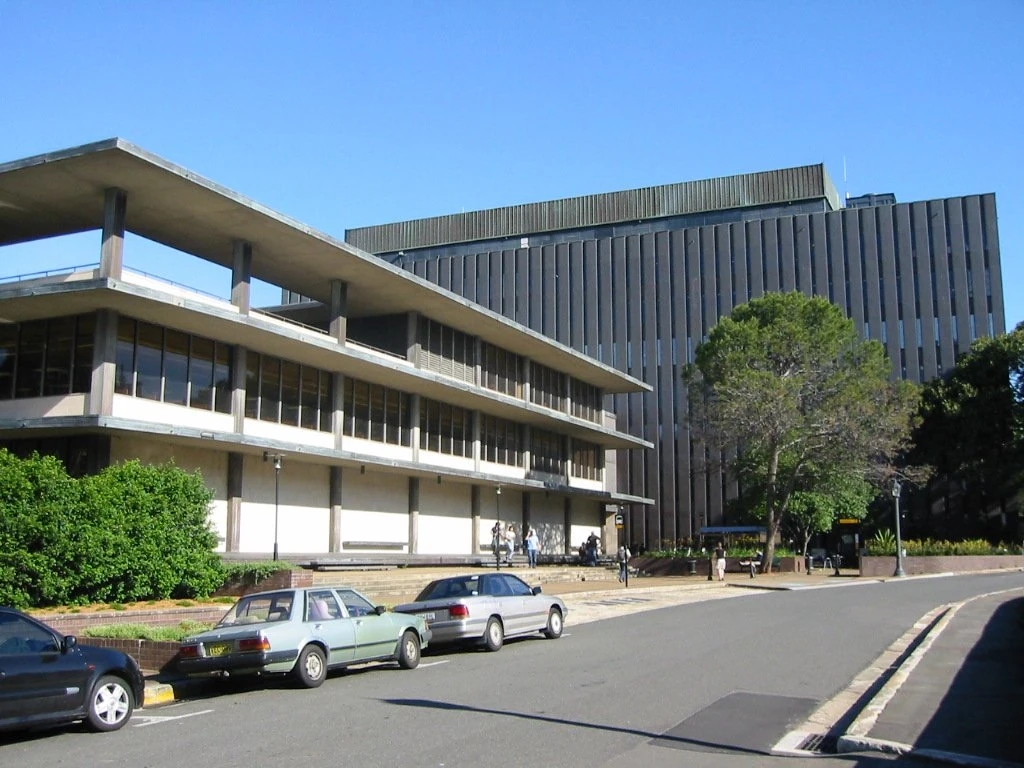
Inside Fisher Library
Library floor guideLevel 3
- Main entranceBuilding ID and NFC marker
- Lift lobbyDirectory before the lifts
Take the lift to Level 5
Level 5
- Lift exitFloor number in view as the doors open
- Corridor junctionRight-turn arrow before the decision
- Silent studyRoom name beside the door
A graphic language from the Quadrangle
The clock tower identifies the campus and entrance signs. The pointed arch frames the building code, floor number or arrow, whichever detail a visitor needs to find first.
Sandstone-toned enamel and charcoal lettering carry the system across old and new buildings. Ochre marks the location or direction to act on.
Screen archive
All 30 prototype screens. Select an image to enlarge it.